
If you’ve ever sent a rendering studio a single PDF and wondered why the first draft came back looking nothing like what you imagined, you already understand why briefing matters. Knowing how to brief a 3D rendering studio: what architects and developers need to prepare before project kickoff isn’t just about filling out a form — it’s about giving the artist enough raw material to make informed decisions before a single polygon is placed. A weak brief costs everyone time. A good brief gets you closer to the final image on the very first round. At 360archviz, we’ve worked with architects, developers, and interior designers across the globe, and the projects that run smoothly almost always start the same way: the client came prepared.
This isn’t a complicated process, but it does require some intention. Most delays and revision cycles we see aren’t caused by technical problems — they’re caused by ambiguity. The client wasn’t sure which camera angle they wanted. The material finishes hadn’t been decided yet. Nobody mentioned the project was going to be used for a brochure until after we’d rendered it at the wrong resolution. These are fixable problems, but only if you catch them before work begins. The goal of this post is to walk you through exactly what to prepare, what to communicate, and what questions to answer before you pick up the phone or send that first email.
Start With the Output: Know What You’re Actually Trying to Produce
The single most important thing to clarify before anything else is what deliverable you need. This sounds obvious, but it’s where most briefs fall apart. “I need renderings of my project” tells a studio almost nothing. A still exterior rendering for a planning submission is a completely different scope from a cinematic flythrough for a sales launch event. The software pipeline, the level of detail, the file format, the turnaround time — all of it changes based on the output type.
Ask yourself these questions before your first conversation with a studio:
- Do you need still images, animations, or interactive content?
- How many views or scenes are required?
- What resolution do you need — screen display, print, billboard?
- Is this for internal review, client presentation, or public marketing?
- What’s the deadline, and is it fixed?
If you’re unsure whether you need a walkthrough or a flythrough for a real estate presentation, it’s worth reading about 3d walkthrough vs 3d flythrough which presentation format wins more real estate approvals before committing to either. The format affects both cost and production time significantly, and it’s far easier to decide before the project starts than to switch halfway through.
How to Brief a 3D Rendering Studio: The Core Technical Files You Must Provide
A rendering studio can only work with what you give them. The accuracy of the final output is directly tied to the quality and completeness of the source files. Here’s what you should aim to provide at minimum:
| File Type | Preferred Format | Why It Matters |
|---|---|---|
| Architectural drawings | AutoCAD (.dwg), PDF | Foundation for accurate 3D modeling |
| 3D model (if available) | Revit (.rvt), SketchUp (.skp), 3ds Max | Speeds up production, reduces modeling errors |
| Material specifications | PDF spec sheets, product links, mood boards | Ensures accurate surface finishes and colors |
| Site context | Survey drawings, Google Maps reference, photos | Grounds the rendering in real surroundings |
| Reference images | JPEG, PNG collections | Communicates style, mood, lighting intent |
If you’re early in the design process and don’t have finalized drawings, be upfront about that. We can work with concept-stage files, but we’ll need to make assumptions — and those assumptions need to be documented and approved before rendering begins. Undisclosed design changes mid-production are the single biggest source of rework.
Material Finishes and Specifications: Don’t Leave This to Interpretation

This is where most briefs are weakest. Architects are often very precise about the structure and form of a building, but vague about materials — either because the specification isn’t finalised, or because they assume the rendering artist will figure it out. We won’t. Not accurately. And “figure it out” usually means the client gets back something that looks close but isn’t quite right, which leads to revision requests that could have been avoided entirely.
For every surface in your rendering — walls, floors, cladding, glazing, joinery, soft furnishings — you need to specify:
- Material type (e.g., brushed stainless steel, honed limestone, painted plasterboard)
- Color (RAL code, NCS code, or brand/product reference)
- Finish (matte, gloss, satin, textured)
- Scale or pattern repeat where relevant (tiles, timber planks, stone slabs)
If you’re working on a residential project and the interior finishes are still in flux, consider whether virtual staging vs full 3d residential interior rendering which delivers better roi for developers might be a more practical route at that stage. It’s a legitimate way to get high-quality imagery when the design isn’t fully locked down.
Camera Angles and Composition: Be Specific, Not Vague
Telling a studio “I want a nice exterior shot from the front” isn’t a camera brief. Eye level? Drone height? Wide angle or compressed telephoto? Golden hour or midday? Overcast or clear sky? Each of these choices produces a fundamentally different image, and without guidance, you’re relying entirely on the artist’s instinct — which may not match yours.
The best way to communicate camera intent is through a combination of:
- Annotated floor plans or elevations showing the camera position and direction
- Reference images from photography or other renderings that capture the mood you’re after
- Description of the time of day and weather conditions you want
For interior views, walk through the space mentally. Which rooms need to be shown? From which corner does the space read best? Is the priority to show the kitchen island, the view out the window, or the living area’s proportions? For residential interior rendering, we always ask clients to mark up a floor plan with arrows before we place a single camera — it takes five minutes and saves hours.
Context and Environment: The Background Is Part of the Story

A building doesn’t exist in isolation. The environment around it shapes how the rendering reads — the sky, the landscaping, the street, neighboring structures, people, cars. These context elements all need thought, and they need to be discussed in the brief.
Some questions to consider:
- Should the rendering show the actual site surroundings, or a generic urban/suburban/natural backdrop?
- Is accurate sun position important (e.g., demonstrating natural light into a south-facing facade)?
- Do you want people in the scene? If so, should they suggest a demographic — families, professionals, mixed-use activity?
- Is the landscaping designed and specified, or should the studio use artistic license?
For planning submissions, accurate site context is often required. For marketing imagery, you have more freedom. Know which category you’re in and tell the studio upfront.
Budget, Timeline, and Revision Rounds
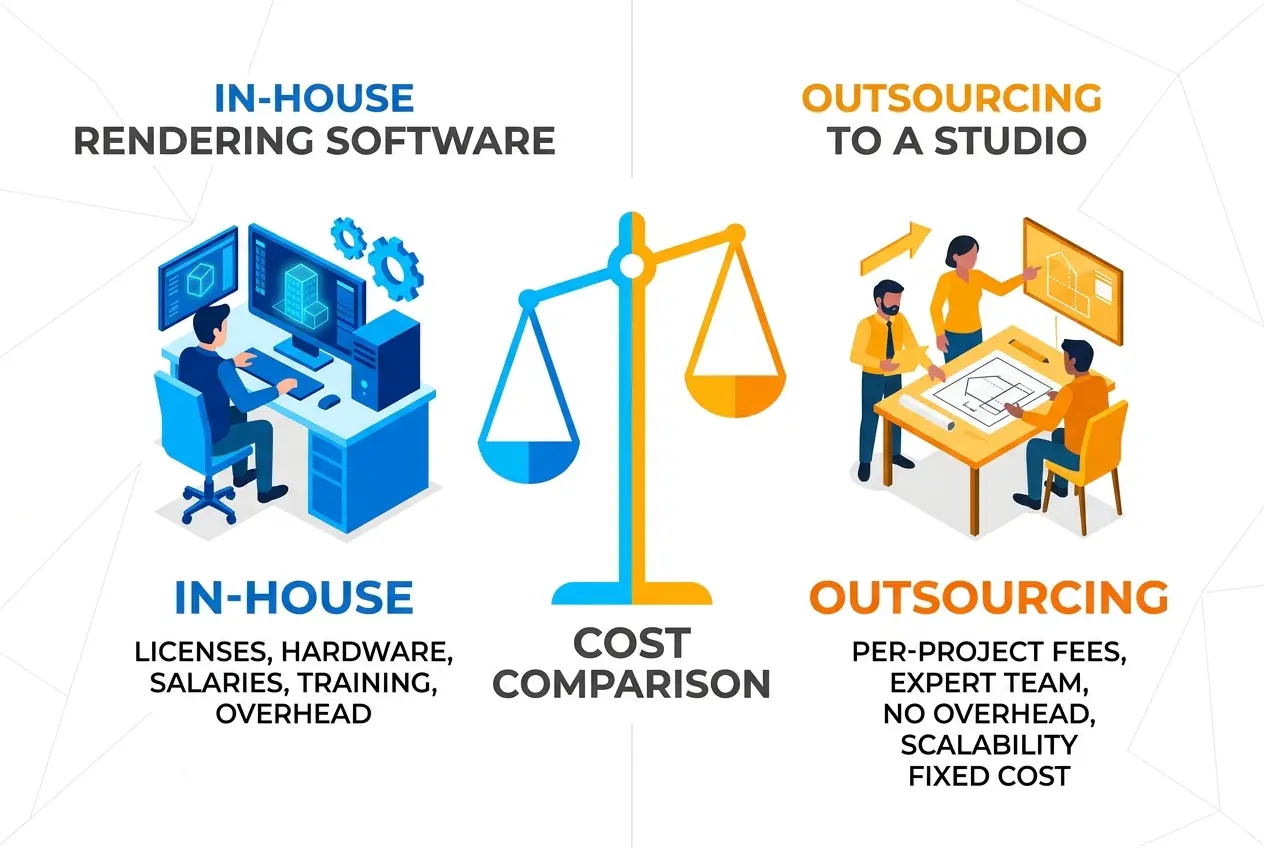
These three things are interconnected, and they all need to be on the table before work begins. A studio pricing a project needs to know how many images, how complex the model is, and what the expected level of finish is. If you’re unsure what a fair budget looks like, it’s worth reviewing how much does architectural rendering cost in 2026 a developer8217s pricing breakdown to get a realistic sense of what different scopes typically involve.
On revision rounds — be clear about what’s included and what counts as a change in scope. Tweaking a camera angle slightly is different from requesting a completely new view that wasn’t in the original brief. Moving a piece of furniture is different from redesigning the kitchen. Most studios structure their pricing around an agreed number of revision rounds. Going in with that understanding prevents friction later.
Also: share your real deadline. Not an aspirational one, not a padded one. If you need images by a specific date for a board presentation or a sales launch, say so from the start. Good studios will tell you honestly whether it’s achievable, and if it isn’t, you have time to discuss options rather than discovering it four days before the deadline.
What Clients Get Wrong Most Often
After working on projects across residential, commercial, and mixed-use sectors, a few patterns come up repeatedly on the brief side. None of them are fatal on their own, but together they consistently cause the same problems: late-stage revisions, budget overruns, and frustration on both sides.
The most common mistakes:
- Sending incomplete drawings and assuming the studio will ask questions. Sometimes they will. Sometimes they’ll make a call and proceed. Incomplete files are a risk to accuracy, full stop.
- Not specifying the intended use of the images. Screen resolution is very different from print resolution. Knowing this upfront affects the output settings.
- Leaving material decisions open-ended. “We’ll finalize that later” almost always means “we’ll ask you to change it after you’ve already built it.”
- Giving a brief verbally only. Written briefs create a shared reference point. Verbal briefs get misremembered.
- Assuming the studio knows your project. Even if you’ve worked together before, every project is different. Don’t assume context from a previous job carries over.
A Simple Brief Checklist Before You Contact a Studio
Before reaching out, run through this list:
- ✅ Output type confirmed (stills, animation, interactive)
- ✅ Number of views or scenes defined
- ✅ Final drawings or working drawings ready to share
- ✅ Material and finish schedule prepared
- ✅ Camera angles marked up on plans
- ✅ Reference images collected
- ✅ Context requirements noted (site-accurate vs. artistic)
- ✅ Intended use of images specified (marketing, planning, internal)
- ✅ Budget range discussed or researched
- ✅ Deadline confirmed and communicated
You don’t need to have perfect answers to every point — design is iterative and not everything will be decided at kickoff. But knowing where the gaps are, and naming them explicitly, is far better than discovering them mid-production.
If you’re ready to start a project or just want to talk through what you need, the team at 360archviz is easy to reach — contact us and we’ll help you figure out the right scope and approach from the first conversation.
Frequently Asked Questions
What information should I include in a 3D rendering brief for an architectural project?
A strong 3D rendering brief should include project drawings or CAD files, material and finish specifications, preferred camera angles or viewpoints, and reference images that reflect your desired mood and style. You should also specify the intended use of the renders, such as client presentations, planning applications, or marketing materials, as this affects resolution and file format requirements. The more detail you provide upfront, the fewer revision rounds you will need, saving both time and budget.
How do I communicate the mood and style I want to a 3D rendering studio?
The most effective way to communicate visual style is to compile a mood board with reference images from completed projects, architectural magazines, or platforms like Dezeen and Archello that reflect your desired lighting, atmosphere, and material feel. Describe specific qualities such as warm versus cool lighting, daytime versus dusk ambiance, or photorealistic versus artistic stylization, since vague terms like 'modern' can be interpreted in many different ways. Sharing competitor renders you admire or dislike is equally valuable, as it gives the studio a clear creative benchmark to work toward.
What file formats and technical drawings does a 3D rendering studio need before starting?
Most 3D rendering studios require AutoCAD DWG or DXF files, Revit models, SketchUp files, or detailed PDF floor plans and elevations to accurately build the 3D scene. If the project involves an existing site, providing survey data, site photos, and Google Maps coordinates helps the studio accurately replicate the surrounding context. Always confirm with the studio which file formats they prefer, as sending incompatible or incomplete drawings is one of the most common causes of project delays.
How long does the briefing process take and when should I contact a rendering studio?
The briefing process itself typically takes one to three days once you have gathered all necessary materials, but you should contact a rendering studio at least two to four weeks before you need the final images, depending on project complexity. Rushing a brief often leads to misaligned expectations, additional revision costs, and missed deadlines, especially for large-scale development projects requiring multiple views or animations. Early engagement also gives the studio time to ask clarifying questions and identify any gaps in the documentation before production begins.
What are the most common mistakes developers make when briefing a 3D rendering studio?
The most common mistakes include sending incomplete or outdated drawings, failing to specify the intended output resolution and file formats, and not providing material specifications beyond generic descriptions like 'grey stone' or 'timber cladding.' Developers also frequently overlook the importance of defining a clear revision policy upfront, which can lead to scope creep and unexpected additional costs. Taking time to align internally on design decisions and stakeholder expectations before submitting the brief ensures the studio can deliver accurate results without costly back-and-forth.
Also read: Exterior 3D Rendering for Planning Permission: What Councils Actually Look For in Visualisations