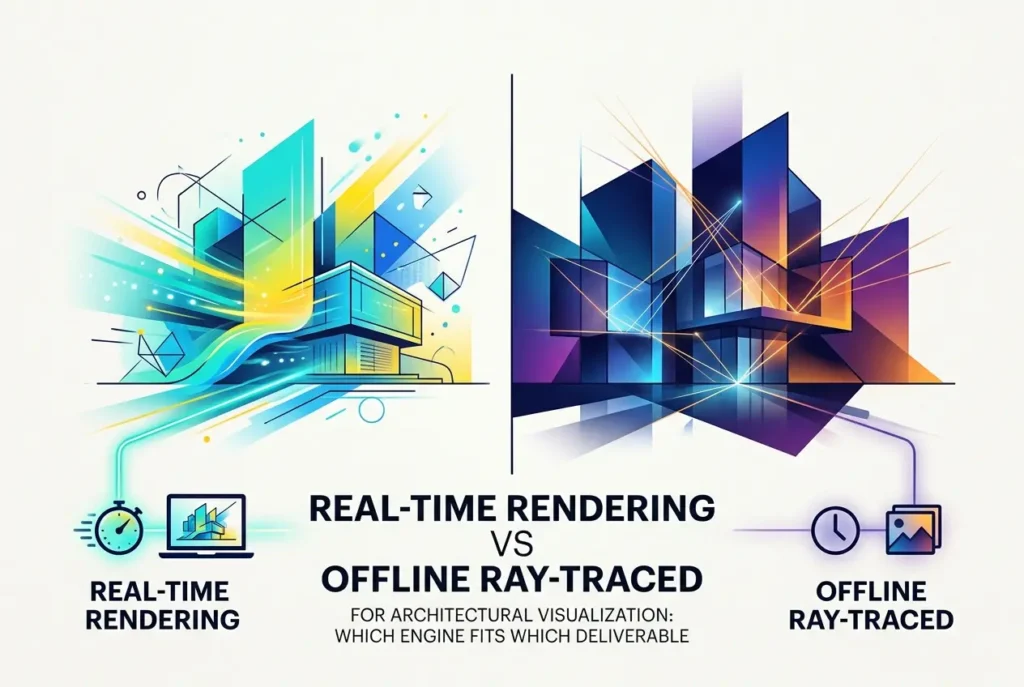
A client sent us a brief last year that said, in one line, “We need renders, a walkthrough, and something we can show in a VR headset.” Three deliverables, three very different pipelines hiding inside one sentence. That’s the real question behind Real-Time Rendering vs Offline Ray-Traced Rendering for Architectural Visualization: Which Engine Fits Which Deliverable. It isn’t about which technology is “better.” It’s about which one is right for the thing you actually need to put in front of a buyer, a planning committee, or a design team.
The short version: offline ray tracing gives you the highest control over image quality, and real-time gives you interactivity and speed of iteration. The gap between them has narrowed a lot, but it hasn’t closed, and the differences still matter when you’re spending a marketing budget.
Below is how we think about it in our studio, where each engine earns its place, and the mistakes we see clients make when they pick one by trend rather than by need.
What actually separates the two approaches
Offline renderers such as V-Ray, Corona, or Arnold calculate light by tracing paths of light through the scene, often for minutes or hours per frame. Nothing is rushed. The renderer can afford many bounces of light, dense geometry, complex glass, and heavy displacement, and it keeps refining until noise is gone.
Real-time engines such as Unreal Engine, Unity, or Twinmotion have to produce a frame in a fraction of a second, so they approximate. Modern engines use hardware ray tracing, global illumination systems like Lumen, and heavy denoising, which gets surprisingly close. But there’s always a budget, and the engine spends it on speed first and accuracy second.
That tradeoff shows up in predictable places:
- Light behavior: Offline handles soft interior bounce light, caustics, and layered glass more faithfully. Real-time can look great but may leak light at seams or smear shadows in tricky corners.
- Materials: Offline gives finer control over things like fabric sheen, brushed metals, and subsurface effects. Real-time materials are improving but are more constrained.
- Geometry and scene size: Offline can swallow heavy scenes with millions of scattered plants and detailed furniture. Real-time needs optimization, instancing, and level-of-detail management.
- Interactivity: Real-time wins outright. You can move through the space, swap finishes, and change time of day live.
Where offline ray tracing still wins
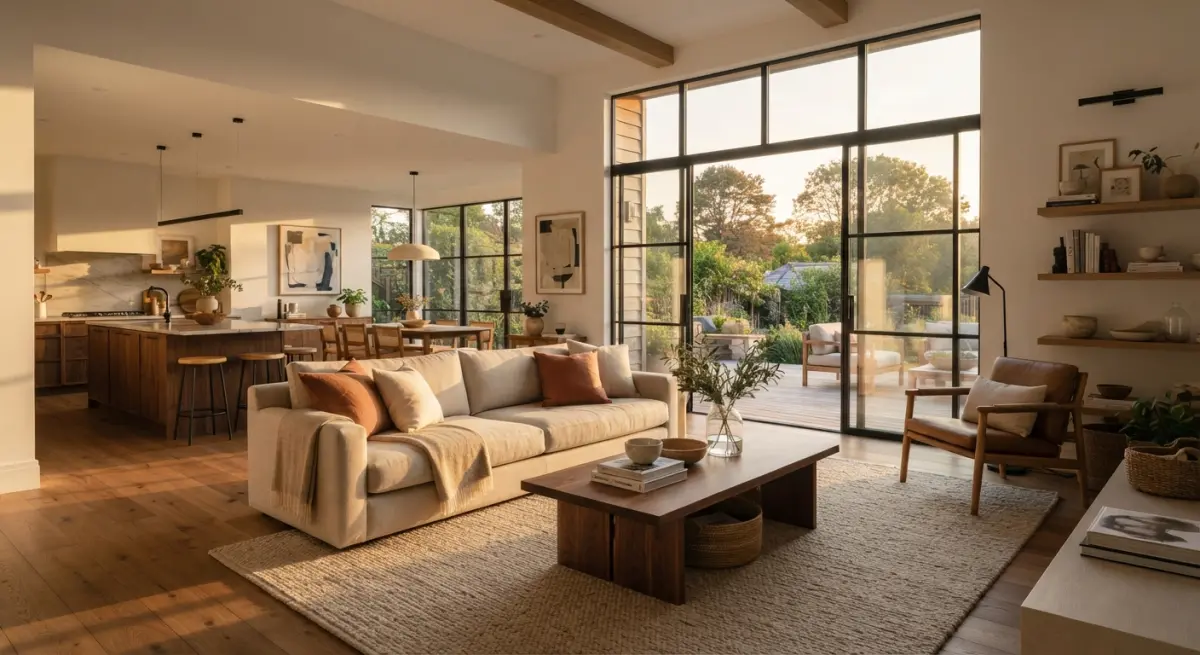
If the deliverable is a still image that will be printed on a hoarding, a brochure, or a competition board, offline is usually our choice. Stills are scrutinized. People zoom in. They notice the way light rolls off a plaster wall or how a glass balustrade reflects the sky. Offline rendering lets us control every one of those things and fix them individually.
It’s also the safer route for marketing imagery where the render is the sales tool. A pre-launch residential tower, for instance, is sold largely on a handful of hero images. Those images need photographic realism, careful composition, and post-production grading. That’s a still-image workflow, and offline engines are built for it. Our 3D architectural rendering work for exteriors and interiors follows this approach for exactly that reason.
Offline also handles unusual camera work better. Depth of field, motion blur, precise lens behavior, and clean light falloff are all easier to dial in when you’re not fighting a frame-rate budget.
Where real-time earns its keep
Real-time shines when the audience needs to explore, or when the design is still moving. In a design development meeting, being able to ask “what if the cladding were timber?” and see it change in seconds is worth more than a perfect still. Decisions get made in the room instead of after a three-day re-render.
It’s also the right foundation for:
- Interactive walkthroughs where a client controls the camera on a laptop or touchscreen.
- VR experiences, where you need a steady frame rate or people get uncomfortable. Offline is simply not an option here.
- Configurators that let buyers choose finishes, layouts, or furniture packages.
- Large masterplans that people want to fly through freely.
If you’re weighing an immersive option, our virtual reality walkthrough service is built on this kind of pipeline, because the technical demands of VR dictate the engine choice before aesthetics even come into it.
Matching the engine to the deliverable
Here’s the rough map we use when scoping projects. It isn’t a rule, but it’s right most of the time.
| Deliverable | Best fit | Why |
|---|---|---|
| Hero still images for marketing | Offline | Maximum fidelity and per-image control |
| Print and large-format boards | Offline | Holds up under zoom and high resolution |
| Cinematic animation / film | Offline or hybrid | Predictable quality, but real-time can work for faster turnaround |
| Interactive walkthrough | Real-time | User-driven camera needs live rendering |
| VR / AR | Real-time | Frame rate is non-negotiable |
| Design review sessions | Real-time | Instant iteration on materials and layouts |
| Sales gallery configurator | Real-time | Buyers customize on the spot |
The hybrid approach most projects actually need
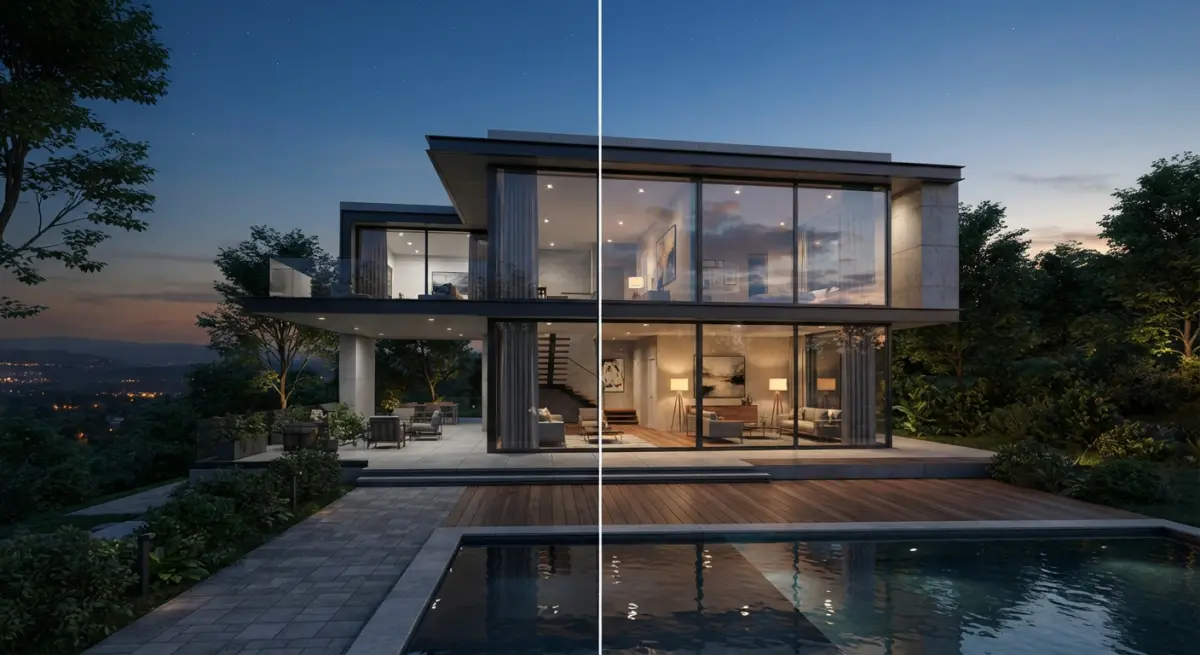
Rarely does a project need only one. The most common setup in our studio is a shared asset base: model the building and furniture once, then push it into both pipelines. Hero stills go offline. The interactive tour or VR build goes real-time. Done well, the two outputs look like they belong to the same project, which matters because buyers notice when the brochure and the walkthrough feel like different buildings.
The catch is planning. Assets built for offline are often too heavy for real-time, and assets optimized for real-time can look thin up close in a still. Deciding early which deliverables you need saves a lot of rework. A model that’s been built with both in mind costs a bit more time up front and far less overall.
What clients commonly get wrong
Assuming real-time is automatically cheaper. It can be faster to iterate, but building a polished interactive experience involves optimization, lighting setup, interaction design, and testing. It’s a different kind of work, not less of it.
Assuming real-time looks the same as offline. It can come close, especially in well-lit interiors, but if you hold the two side by side at full resolution, a trained eye still spots differences in reflections, soft shadows, and material depth. For a flagship image, that gap can matter.
Choosing the engine before the audience. We’ve had clients ask for “Unreal” because they heard it’s the future, when what they needed was six excellent stills for a sales deck. Start with who’s looking, on what device, and what decision they’re making.
Forgetting hardware. A real-time experience is only as good as the machine running it. If your sales team will show it on a modest laptop in a site office, we have to build for that, which limits visual ambition. Pixel streaming or pre-rendered video can solve this, but it should be discussed before production, not after.
Changing design late. Real-time handles changes gracefully in some respects, such as swapping materials. But major geometry changes still mean rework in either pipeline. Freeze the design as far as you can before final production.
How to decide before you brief a studio
Ask yourself three questions. Where will this be seen: print, web, headset, or a sales gallery screen? Does the viewer need to move around, or just look? And how likely is the design to change after sign-off? Your answers will point to an engine almost automatically. If you’re still unsure, a good studio should be able to tell you honestly which approach suits your situation, even if that means recommending the one that’s less exciting to sell.
Final thoughts
The debate framed as Real-Time Rendering vs Offline Ray-Traced Rendering for Architectural Visualization: Which Engine Fits Which Deliverable has no universal winner. Offline remains the benchmark for still imagery and the highest-fidelity film work. Real-time owns interactivity, VR, and live design decisions. Most serious projects use both, built from a common model.
If you have a project and aren’t sure which route makes sense, tell us what you need to deliver and who it’s for. We’ll map out the pipeline honestly. You can start with our 3D architectural rendering services, or get in touch and we’ll talk through your brief.
Frequently Asked Questions
Is real-time rendering good enough for final architectural visualization stills in 2025?
Yes, for many projects. Engines like Unreal Engine 5 with Lumen and path tracing, Twinmotion, and D5 Render can produce near-photorealistic stills for client presentations and marketing. For hero images, competition entries, or print work that needs exact material accuracy and caustics, offline renderers like V-Ray, Corona, or Arnold still give more predictable, physically accurate results.
When should I choose offline ray-traced rendering over real-time for an architecture project?
Choose offline rendering when the deliverable needs maximum photorealism, such as high-resolution print marketing, billboard-scale imagery, or complex glass, interior lighting, and subsurface materials. It is also the better fit when you need render passes and render elements for compositing in Photoshop or Nuke. Render times are longer, but you get greater control and consistent, physically based output.
Which deliverables are best suited to real-time engines like Unreal Engine, Twinmotion, or Enscape?
Real-time engines work best for interactive walkthroughs, VR presentations, live client design reviews, and fast iteration on animations. They let you change materials, time of day, and furniture on the fly during a meeting, which cuts revision cycles dramatically. They are also the natural choice for web-based or packaged interactive experiences that clients can explore themselves.
How do render times and hardware costs compare between real-time and offline architectural rendering?
Real-time engines produce frames in milliseconds to seconds on a single high-end GPU such as an RTX 4090. Offline renders of a single high-quality still can take from several minutes to hours, and animations often require a render farm or cloud rendering service. Real-time shifts cost toward upfront GPU hardware and asset optimization, while offline shifts it toward render time, farm credits, and software licensing.
Can I combine real-time and offline rendering in one architectural visualization workflow?
Yes, and many studios do. A common approach is to model in Revit, SketchUp, or 3ds Max, use a real-time engine for design reviews, animations, and VR, then render hero stills offline with V-Ray or Corona. Using shared formats like Datasmith, FBX, or USD and consistent PBR materials keeps the look aligned and avoids rebuilding scenes from scratch.